
If you’re like me, you prefer installing Apache and PHP on your own without the use of WAMPServer. The goal is to setup the latest Apache server with PHP 5 and PHP 4 using FastCGI.
If you’re like me, you prefer installing Apache and PHP on your own without the use of WAMPServer. The goal is to setup the latest Apache server with PHP 5 and PHP 4 using FastCGI.
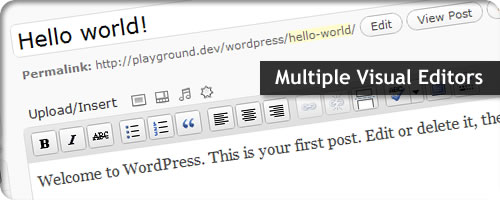
I’ve gotten a few requests on how to add multiple visual editors in WordPress. So here is a quick way to add multiple WordPress Visual Editors to your meta boxes.

Generally it is not secure to allow remote root login. Additionally, using Password Authentication is also insecure. So… after setting up my server at RackSpace, the next step was to setup basic SSH login security.

My LEMP Setup Guide would not be complete if it didn’t show you how to setup your first virtual host (using your own domain name). This step will give you a good reference for setting up as many virtual hosts as you need on your server.

If you are interested, like I am, in setting up your own web server and hosting your own projects then I hope you will follow along. This guide will walk you step by step on setting up a LEMP stack (Linux, Nginx, MySQL, and PHP).

If you are using WordPress with Nginx, you will need to setup Nginx specific rewrite rules. This guide will give you the rules you need to get pretty URLs working for your WordPress install.

If you are a CodeIgniter enthusiast, you know that finding rewrite rules for Apache (htaccess file) is relatively easy, but doing the same for Nginx rewrite rules is not all that simple. Use these Nginx rewrite rules to get your next CodeIgniter project up and running.

This release introduces two modes of operation when creating a WordPress Meta Box: Array Mode and Extract Mode. The default mode is Array and will typically work well for the majority of users. Learn how and when to use Extract mode.
This brief guide will show you how to add the default Thesis Theme meta boxes to your custom post types. Use all the Thesis goodness with your custom posts.
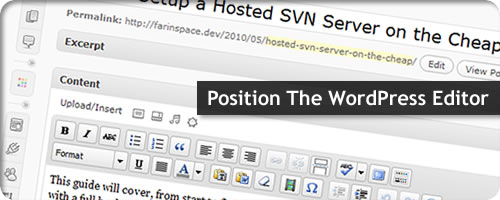
Learn how to move and reposition the WordPress Visual Editor. This quick guide will show you how to essentially make the WYSIWYG Editor act like a generic meta box, allowing you to reorder it in any position you want.